반응형
이번에는 일정 범위 내의 오브젝트를 감지하고 감지한 오브젝트를 추적하는 기본적인 방법에 대해 알아보겠습니다.
기본씬
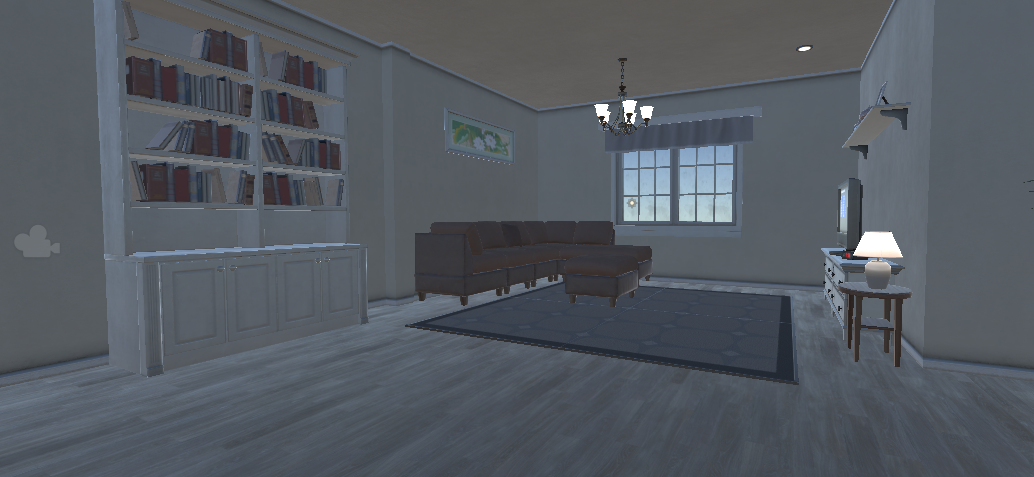
컨셉은 폴더가이스트 입니다.
초자연적인 현상으로 집안의 가구들이 마구잡이로 뒤섞여 날아다니는 현상이라고 생각하시면 됩니다.
플레이어가 감지될 범위를 정확히 알기 위해서는 날아다닐 가구에 Gizmo를 추가해주시면 한결 편리합니다.
# Gizmo를 추가하는 방법
private void OnDrawGizmos()
{
    Gizmos.color = Color.red;
    Gizmos.DrawSphere(this.transform.position, 1.5f);
}
위와 같은 코드를 스크립트에 넣으시면 기즈모가 형성됩니다.
오브젝트 배치
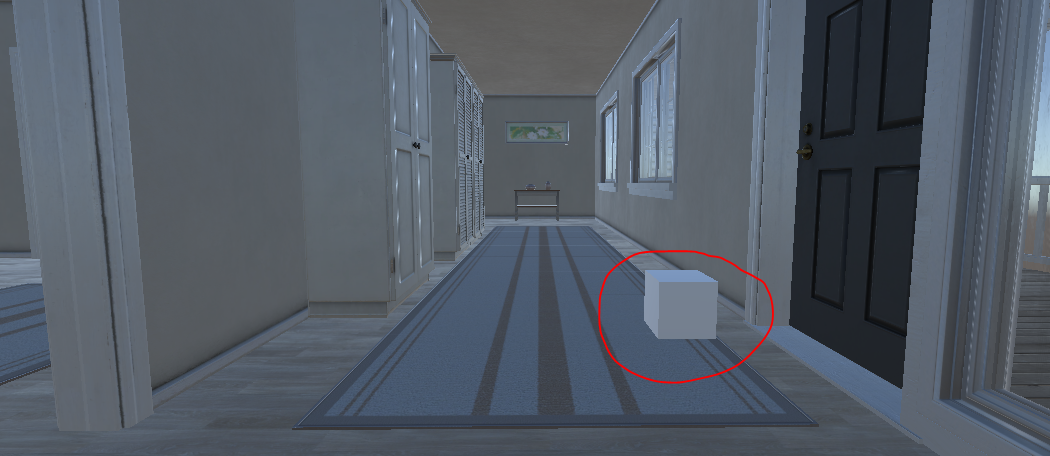
기본적인 Cube 3D 오브젝트를 건물안 아무곳에나 배치했습니다.
여기에는 기본적인 이동과 관련된 스크립트가 추가되었습니다.
    float dir_z, dir_x;
    float movespeed = 3f;
    float rotspeed = 500f;

    void Update()
    {
        dir_x = Input.GetAxis("Horizontal");
        dir_z = Input.GetAxis("Vertical");

        this.transform.Translate(Vector3.forward * movespeed * Time.deltaTime * dir_z);
        this.transform.Rotate(Vector3.up * rotspeed * Time.deltaTime * dir_x);
    }
폴더 가이스트 현상을 일으킬 오브젝트에 배치한 스크립트
    #region Variable
    Transform target;
    #endregion

    //private void OnDrawGizmos()
    //{
    //    Gizmos.color = Color.red;
    //    Gizmos.DrawSphere(this.transform.position, 1.5f);
    //}

    private void UpdateTarget()
    {
        Collider[] cols = Physics.OverlapSphere(this.transform.position, 3f);

        if(cols.Length > 0)
        {
            for (int i = 0; i < cols.Length; i++)
            {
                if (cols[i].CompareTag("Cat"))
                {
                    Debug.Log("SetTarget");
                    target = cols[i].gameObject.transform;
                }
            }
        }
        else
        {
            target = null;
        }
    }

    void Update()
    {
        UpdateTarget();

        if (target != null)
        {
            this.transform.position = Vector3.Lerp(this.transform.position, target.transform.position, 0.005f);
        }
    }
생각보다 간단한 코드입니다.
매프레임마다 일정범위내의 모든 오브젝트를 검사해서 "Cat"이라는 Tag를 가진 오브젝트를 찾아낸 후, 그 방향으로 이동하는 함수입니다.
매프레임이 아닌 일정시간 간격으로 검사하고 싶으시다면, InvokeRepeating 함수를 사용하시면 됩니다.
움직일때 급격히 이동하면 이상하기 때문에 저는 Lerp를 사용해줬습니다.
(SmoothDamp, MoveTowards 등 다양한 방법들이 있으니 원하시는 방법을 사용하시면 됩니다.)
Ex)
반응형
'Unity' 카테고리의 다른 글
| Unity) SWSM(Summoners War Stat Maker) Ver 0.1 (0) | 2022.10.09 |
|---|---|
| 2022.04.02) Cat on the Roof (0) | 2022.04.02 |
| 2022.04.01) Christmas RunGame (0) | 2022.04.01 |
| Unity) Oculus Quest VR (0) | 2022.02.24 |
| Unity) Quaternion.LookRotation (0) | 2022.01.27 |